Setup cashback
You need to setup cashback in a couple of places
You setup the system to allow cashback
Then you have to give each user level security access to give cashback
So lets setup the main cashback system first
Login as admin
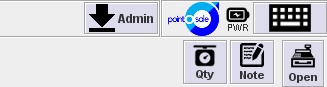
Then admin button top right
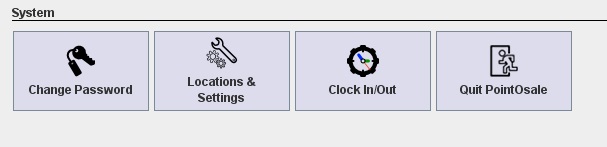
Locations and settings at the bottom
Config sales operations II
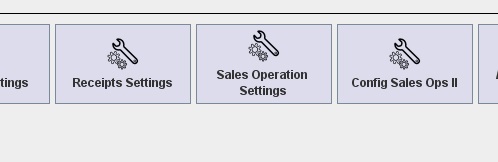
Under surcharges

Make sure that the Ask to you want cashback is ticked and if there is a fee put in the fee, or remove it if you don’t charge a fee
So that is cashback set to be on.
Now we have to turn it on per user when you enable a feature you then have to tell the system who is allowed to use it
admin button top right
User and time management

Roles
Then you will be able to select each type of user role, and add them to allow them to do cashback
Under main on the roles for each level
tick allow cashback manual and save

Come out of the software and each security level you have had will now come up with the cashback window
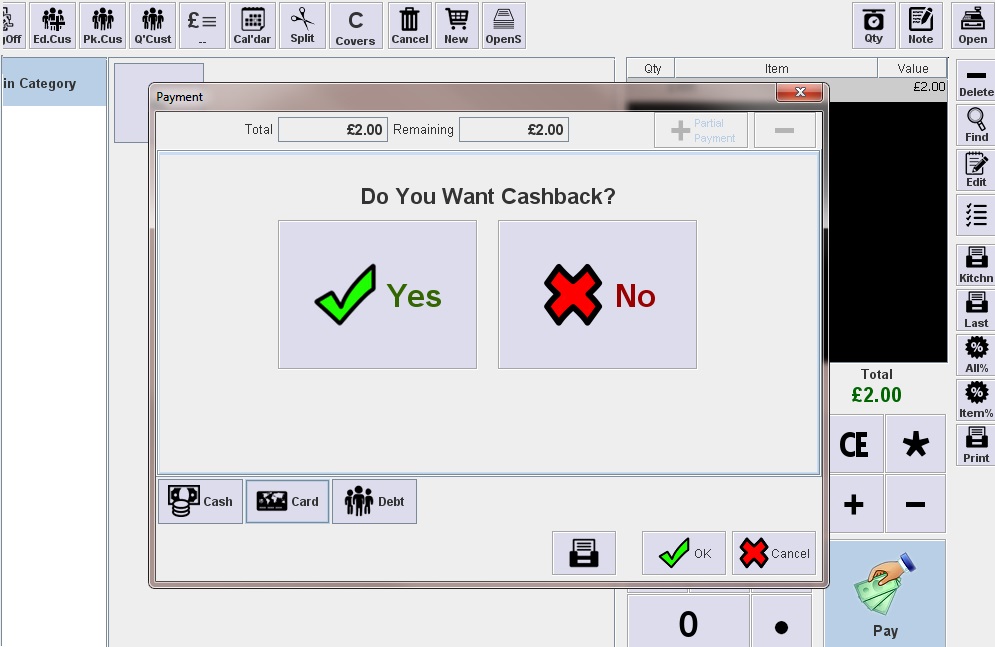
All done
Remember security levels are loaded on startup so you will have to exit and restart the software on each system


