How to change receipt settings
Click on the image to see a full size version popup
All your receipt settings, pictures, addresses, text sizes and templates are in the same section
Login as admin
Then admin button top right

Locations and settings at the bottom

Receipt settings next

Then you have a page with all the receipt settings
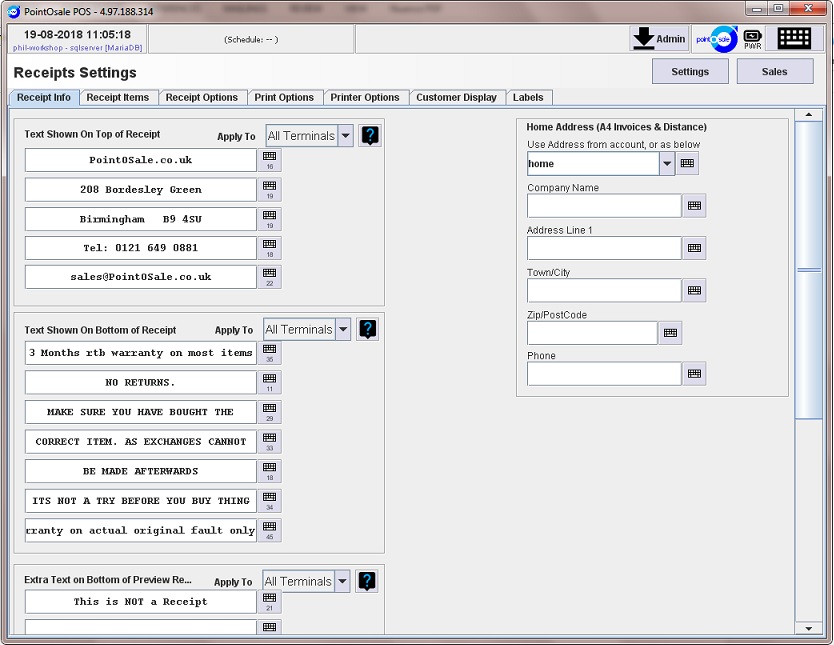
It’s all quite obvious here text at the top of the receipt
Text at the bottom of the receipt
You don’t need to press save on these pages but it’s important on the stock and other pages where there is a save button
If it goes red you must press it before leaving the page as otherwise you may end up with a corrupt item
This is one of the most important things
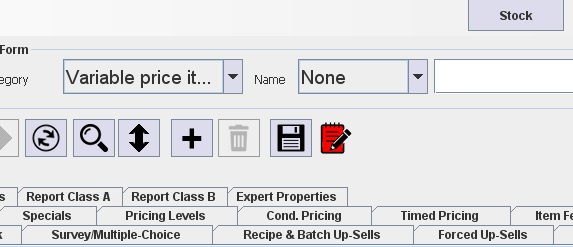
This applies to stock and categories, If you don’t press this save button when creating or editing an item it may cause a corrupt item which will freeze when you ring it in. (nothing to do with receipts just a warning)
Back to receipts
You can change your address tel. number etc. at the top
And change anything you want on the bottom here
If you are using the A4 receipts you need to fill in the right hand side with your address which will put that on your a4 invoices
Add to Cart:


